Coordinated Trade Show Booths
Connect several physical display roles into one booth environment.
COORDINATED PHYSICAL DISPLAY SYSTEM
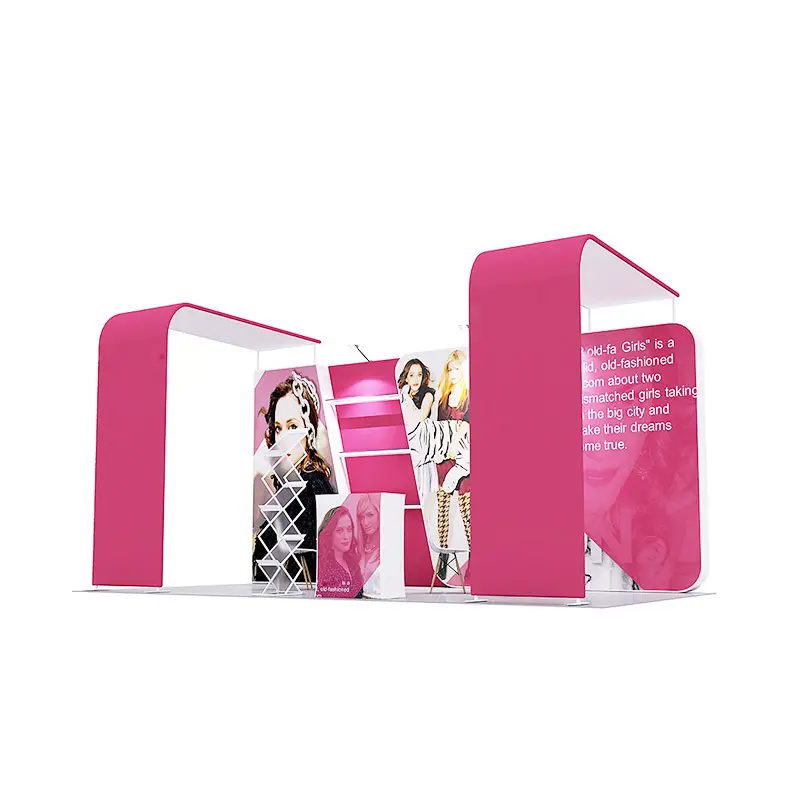
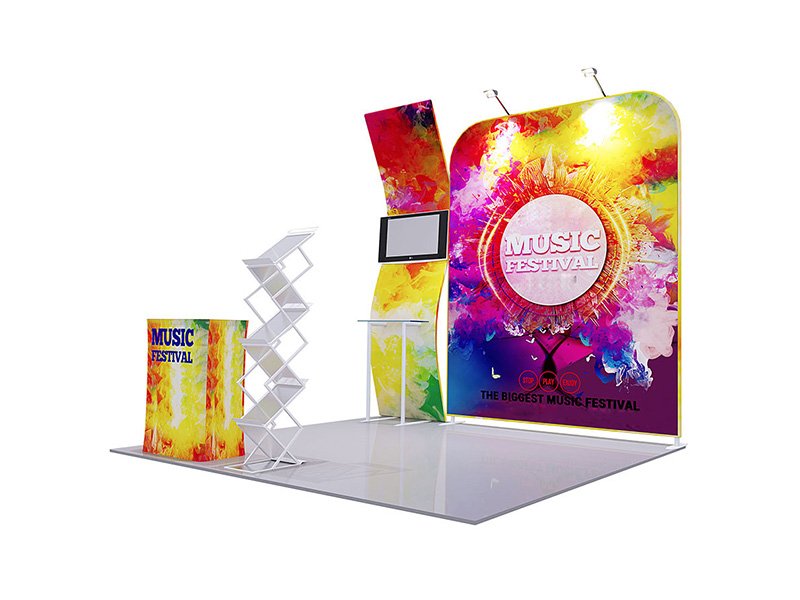
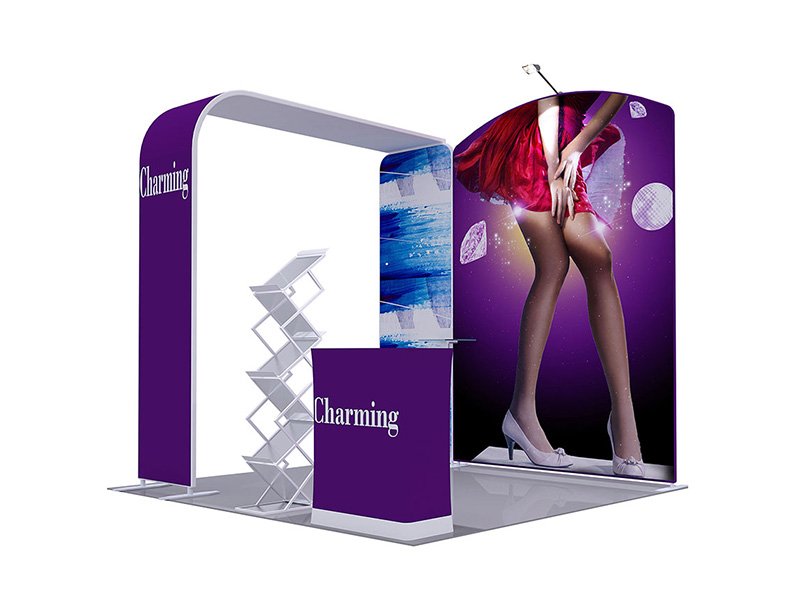
Plan the physical booth display as a coordinated system of backdrop, counter, supporting displays and brand graphics.
Product media
Direct answer
A custom trade show booth display is the coordinated physical display system used inside an exhibition space. It can combine a primary backdrop, counter, supporting displays, brand graphics and accessories around the booth footprint and open sides. This product page focuses on the display system itself; the Trade Shows solution covers the wider event project, visitor journey and cross-category sourcing plan.
Best applications
Use these application cues to decide whether this product belongs in the event brief.
Connect several physical display roles into one booth environment.
Organize background graphics, visitor interaction and supporting information.
Create a defined temporary brand space with several connected display elements.
Coordinate reusable display roles around a presentation or networking zone.
Product vs solution
The two pages serve different buyer intents and should be used together when the project expands.
| Scope | Primary focus | Use it when |
|---|---|---|
| Product: Trade Show Booth Display | Physical backdrop, counter, supporting displays and graphic system | Selecting and quoting the booth display hardware and graphics |
| Solution: Trade Shows & Exhibitions | Wider event journey, supporting categories and coordinated project brief | Planning the full trade show branding project beyond the display system |
Verified product details
Only product-specific information supported by the current record is shown here.
Customization & branding
Use the supported areas and methods below as the starting point for this product, then align colors and artwork with the broader event.
View customization guidanceArtwork requirements
Artwork does not need to be uploaded on this page. Share the available files and placement references during sales follow-up.
View the Artwork GuideAccessories & components
System scope
Choose the product scope that matches the number of physical roles in the brief.
| Attribute | Single display product | Trade show booth display |
|---|---|---|
| Physical scope | One backdrop, wall, counter or banner stand | Several display elements planned as one environment |
| Artwork scope | One primary product template | Coordinated hierarchy across multiple surfaces |
| Project control need | Confirm the selected product specification | Align product relationships, artwork versions and physical layout |
Choose the booth-display product when the physical requirement already includes several connected display elements.
Build the event set
The booth display covers the physical environment. Add visibility, staff identity and visitor takeaways when the brief becomes a complete trade show project.
Extends visibility beyond the booth footprint.
Pairs withTable CoverCoordinates working or presentation tables with the display graphics.
Pairs withStaff ApparelCarries the event identity onto the booth team.
Pairs withPromotional BagsPackages visitor materials and takeaways.
Pairs withPromotional ProductsAdds campaign giveaways or participant items to the wider project.
Prepare the RFQ
The footprint and physical display roles are especially useful, but the RFQ still only requires your name, business email, phone or WhatsApp, and requirements.
Get Trade Show Booth Display QuoteAn estimate is enough to begin.
Share the backdrop, counter and supporting display roles already in scope.
Provide known dimensions, open directions and venue restrictions.
Ready, needs adaptation or still in development.
Explain where the display will work and what it must communicate.
Share the event or in-use date if it is known.
Provide the delivery city and country for project planning.
Trade Show Booth Display FAQ
It is the coordinated physical display system inside the booth, such as the primary backdrop, counter, supporting displays and related brand graphics.
The product page focuses on the physical display system. The solution page covers the wider event project, visitor journey and cross-category sourcing plan.
Start with the booth footprint, open sides, primary viewing direction and the physical roles needed for background, interaction and supporting messages.
Yes. An LED light box can serve as an illuminated wall or feature if its physical format and destination power requirements fit the booth plan.
Yes. Use one campaign system while adapting message hierarchy and layout to each backdrop, counter and supporting display template.
Share the footprint, open sides, required display components, artwork status, quantity, event date, destination and any venue restrictions already known.
Related products
Each recommendation has a specific role in the buying decision or event project.
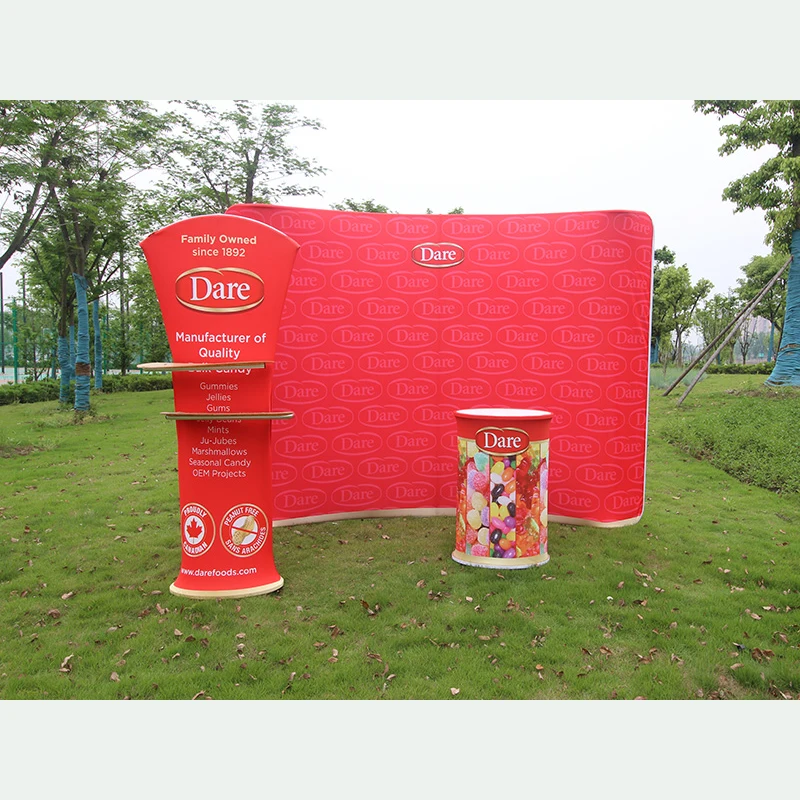
A large fitted-fabric option for the primary booth background.
View productWhy it is related: Use it as one possible anchor product inside the physical booth system.
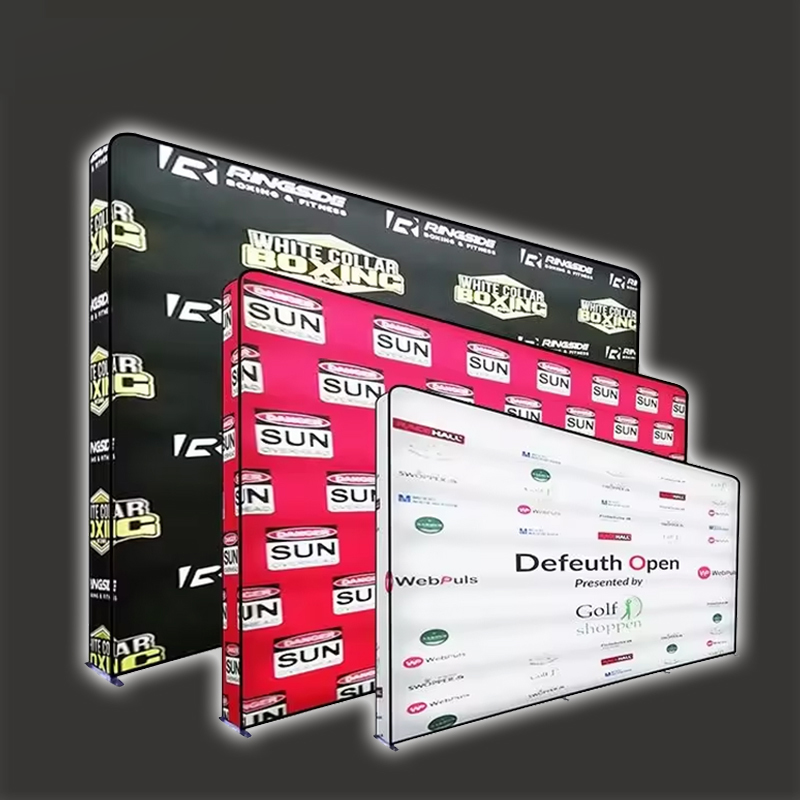
An illuminated graphic feature, wall or multi-face display direction.
View productWhy it is related: Add illumination as a defined product role within the booth system.
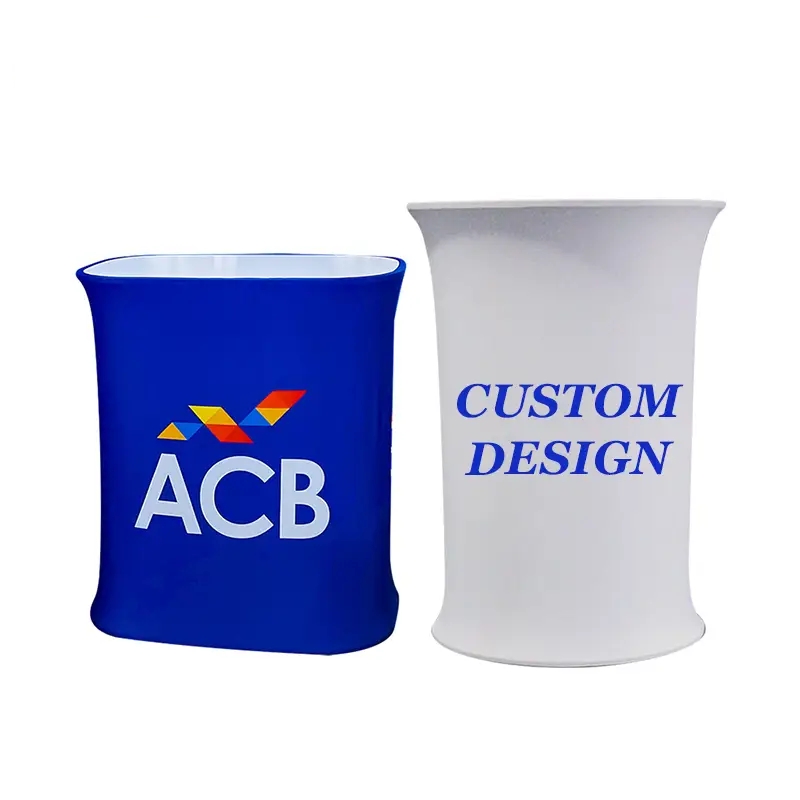
A branded reception, presentation or registration point.
View productWhy it is related: Define the visitor interaction surface within the physical layout.
Product to solution
The solution page is the next step when the requirement includes the full booth journey and supporting categories.
Project guidance
Use these guidance pages when the product includes multiple components, artwork versions or project-specific confirmation points.
One physical system. One coordinated brief.
Share the footprint, open sides, physical display roles and artwork status. Use the Trade Shows solution when flags, apparel, bags or visitor items also belong in the event plan.