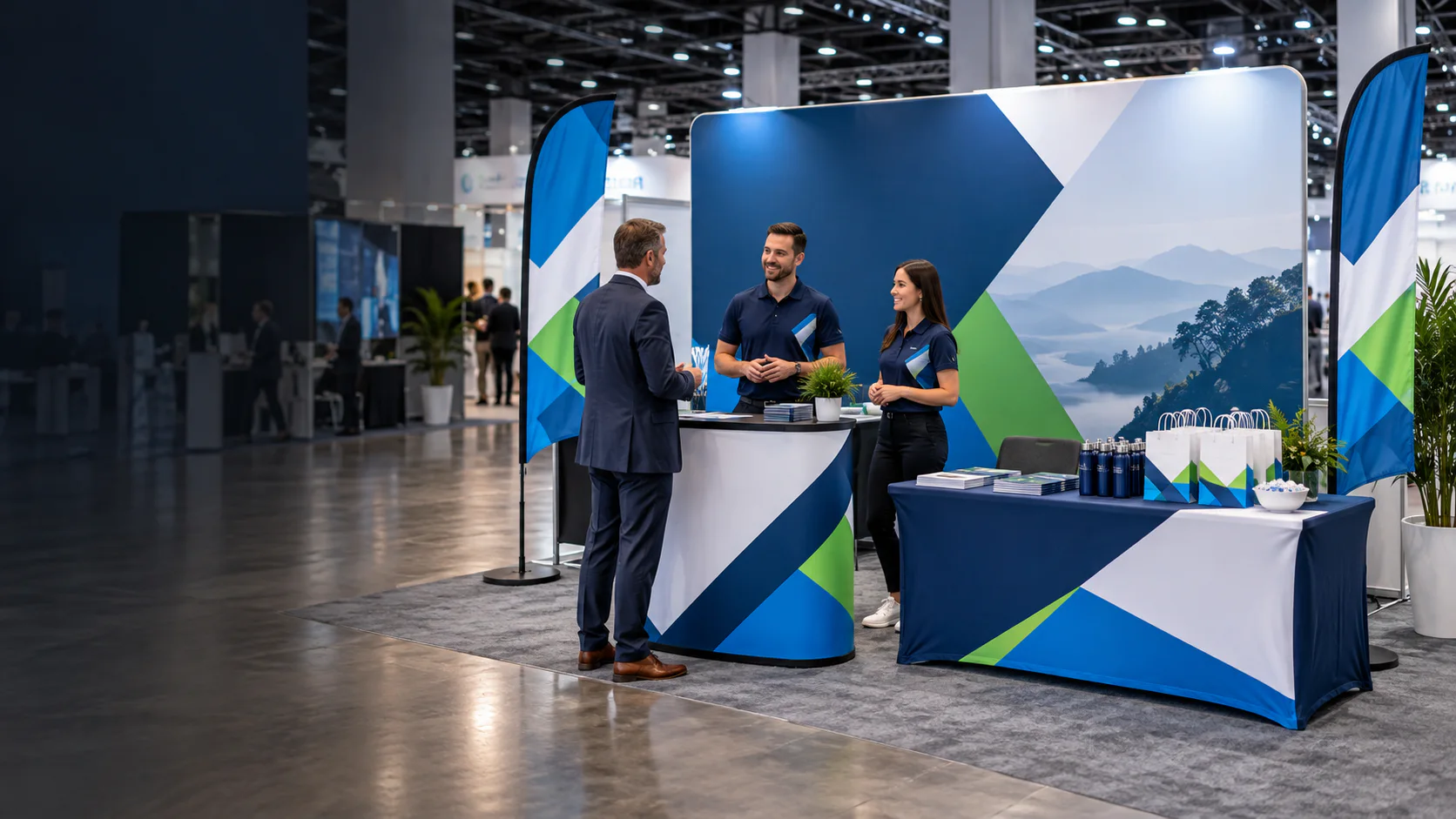
Custom trade show displays
Custom Trade Show Display Formats & Booth Systems
Compare custom backdrops, display walls, roll-up displays, light boxes, counters and coordinated booth systems by their physical role in the exhibition space. Choose the format here, then use the Trade Shows Solution to plan the wider visitor journey.
Direct answer
What Is a Custom Trade Show Display?
Custom trade show displays are branded structures and graphic elements used to create a recognizable exhibition booth. They can include tension fabric backdrops, display walls, roll-up displays, exhibition counters and supporting signage. This Category compares those physical formats; the Trade Shows Solution plans how they support the wider booth and visitor journey.
- Backdrop and display-wall formats
- Roll-up and supporting graphics
- Counter and visitor-interaction zones
- Single-display or coordinated-system planning
Available product guides
Choose Your Trade Show Display
Open a dedicated guide for the physical display role you need, compare its configuration decisions and request a quote with the correct product already selected.
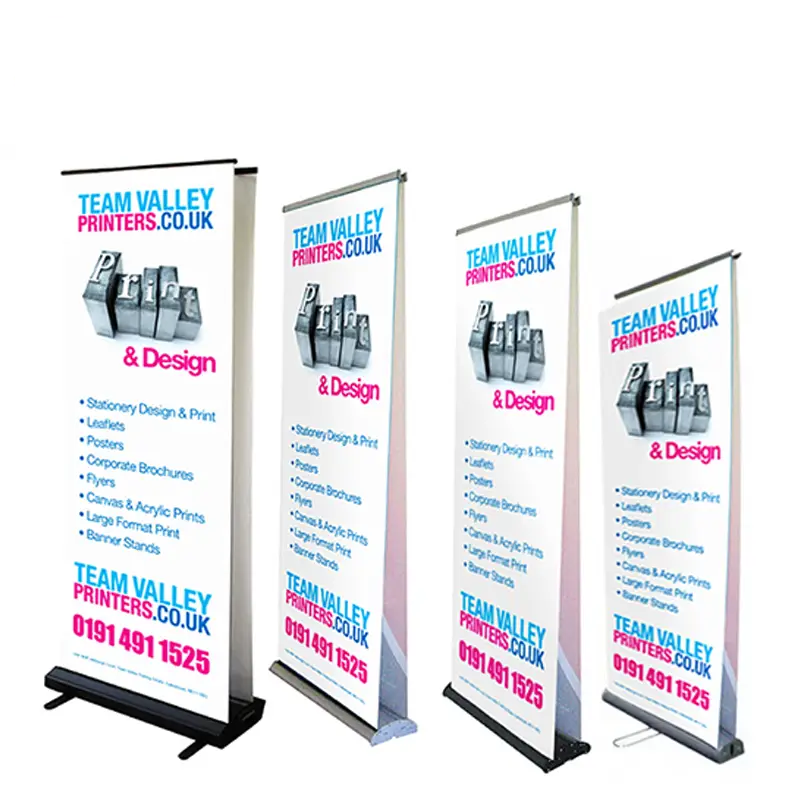
Best for: Trade Show Supporting Messages
Custom Retractable Banner Stands
Use a roll-up display for compact vertical messaging at trade shows, retail promotions, corporate events and registration points.
View product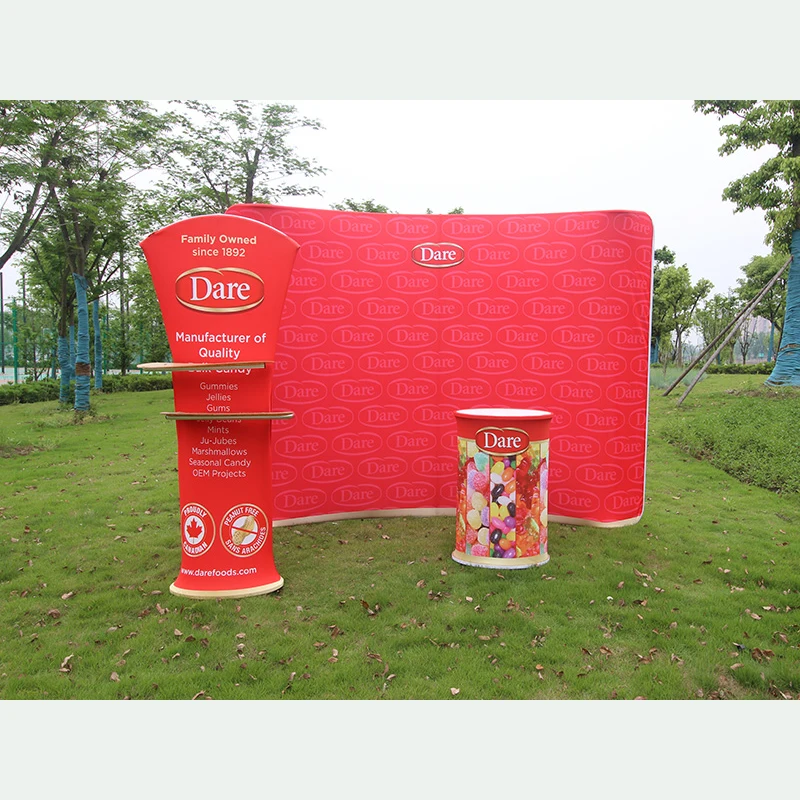
Best for: Primary Trade Show Backgrounds
Custom Tension Fabric Backdrops
Create a large fabric graphic background in a straight, curved or supported S-shaped configuration for exhibitions, events and photo areas.
View product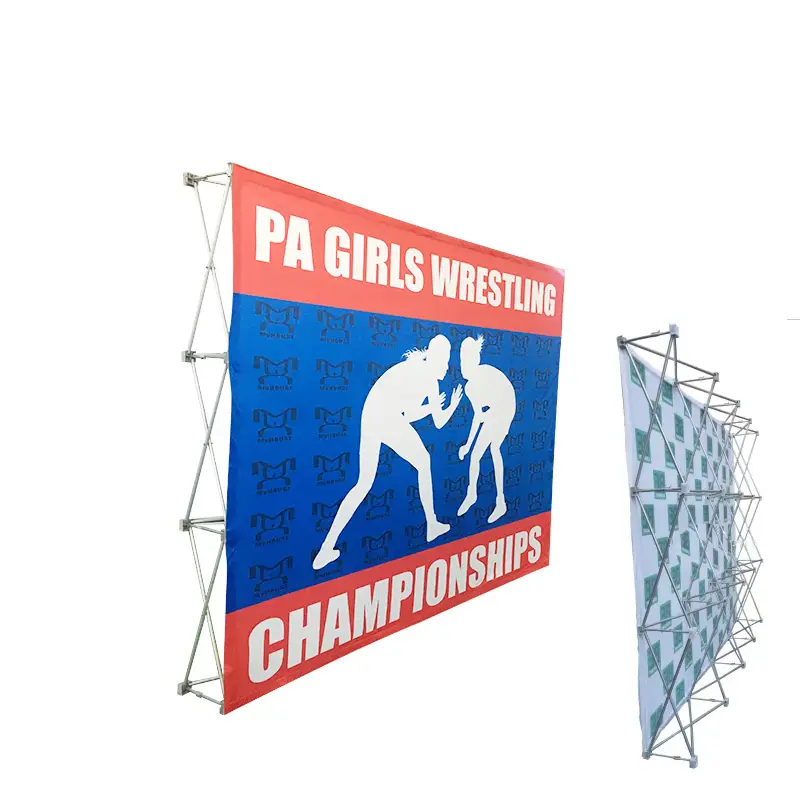
Best for: Portable Exhibition Backgrounds
Custom Pop Up Display Walls
Use a collapsible pop-up wall for a portable exhibition background, media wall or branded presentation surface.
View product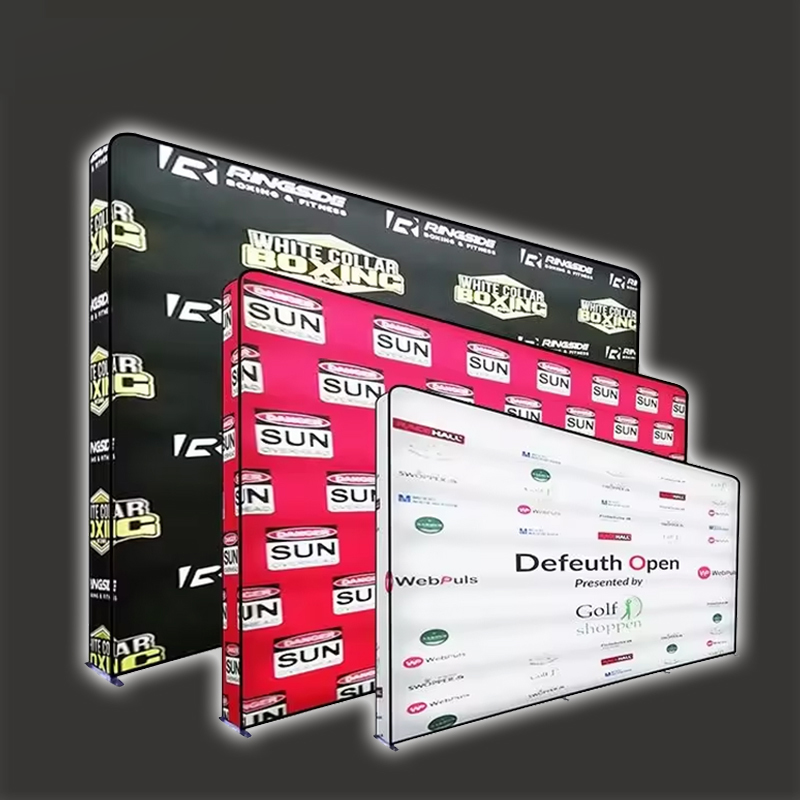
Best for: Trade Show Feature Graphics
Custom LED Light Box Displays
Plan an illuminated standing display, graphic wall or multi-face light-box format for trade shows, retail and brand activations.
View product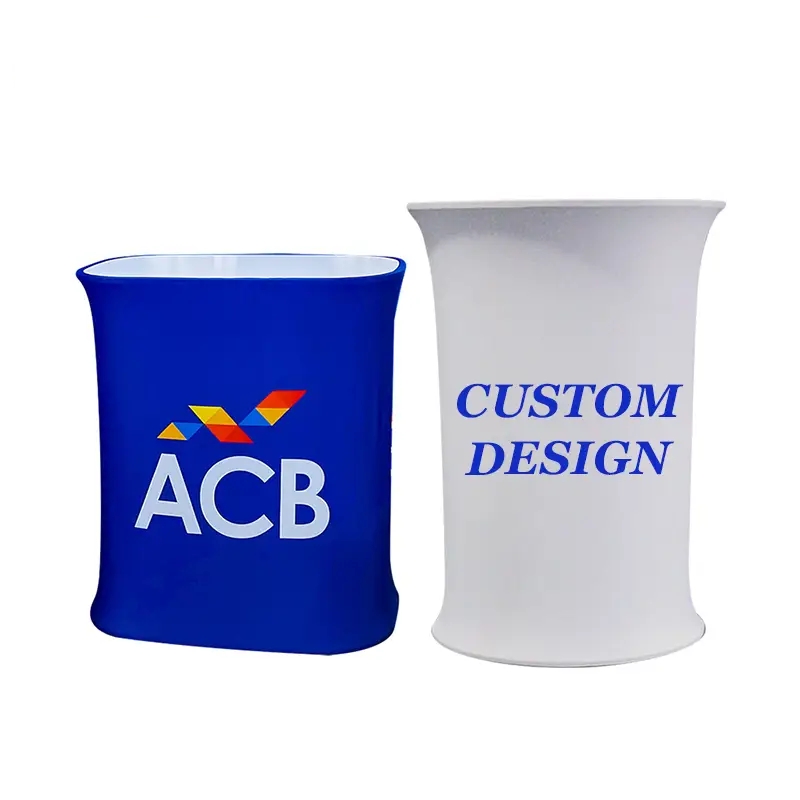
Best for: Booth Reception
Custom Trade Show Counters
Create a branded point for reception, registration, visitor conversations, samples or product presentation within the booth.
View product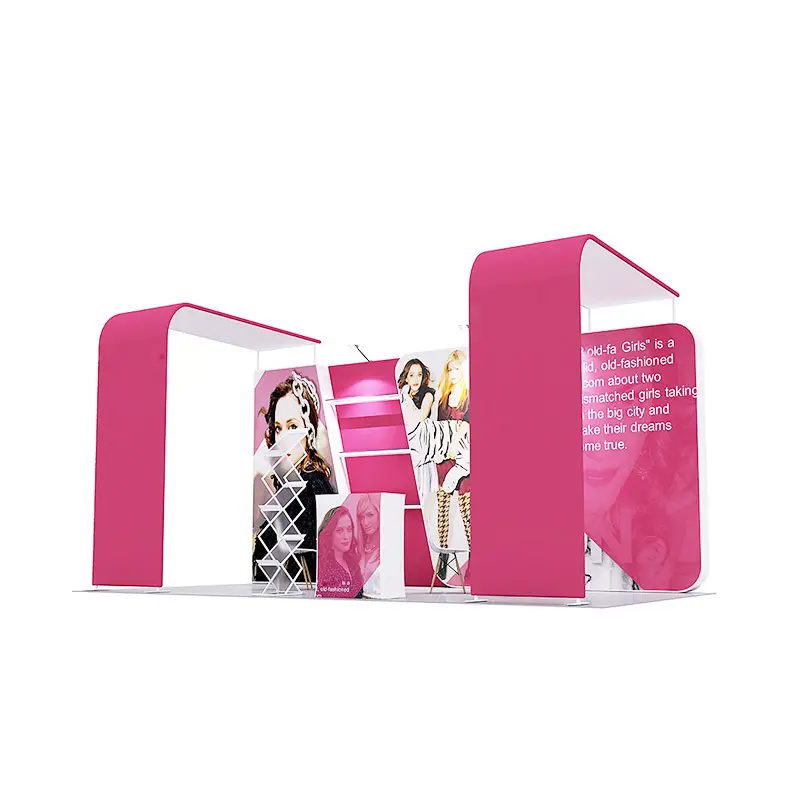
Best for: Coordinated Trade Show Booths
Custom Trade Show Booth Displays
Plan the physical booth display as a coordinated system of backdrop, counter, supporting displays and brand graphics.
View productBuyer decision guide
Which Trade Show Display Should I Choose?
Match the format to the job it must do first. Size, artwork, structure and delivery decisions follow after that role is clear.
| Format | Primary role | Best for | Selection cue |
|---|---|---|---|
| Retractable banner stand | Compact individual vertical messaging | Product, sponsor, offer or directional messages | Choose when one focused message needs a small floor position. |
| Tension fabric backdrop | Large branded background | Primary booth, event-stage or photo backdrop | Choose when shape, width and a fitted fabric graphic lead the decision. |
| Pop-up display wall | Portable exhibition wall | Booth background, media wall or branded presentation | Choose when an expanding collapsible wall system is preferred. |
| LED light box display | Illuminated brand graphics | Trade show features, retail promotions and activations | Choose when illumination is part of the physical display brief. |
| Trade show counter | Visitor interaction and reception | Registration, product presentation, samples or conversations | Choose when staff need a dedicated branded working surface. |
| Trade show booth display | Coordinated physical display environment | Backdrop, counter and supporting graphics working together | Choose when several physical display roles belong in one system. |
These are selection roles, not universal specifications. Dimensions, construction, printing, packing and delivery are confirmed for the selected product and project.
Buyer decision path
What Does Your Booth Need?
Use the required booth function to narrow the display family before discussing dimensions, structures or artwork.
Start with the booth roleWhat must visitors see or do?
Need compact supporting messaging?
Roll-Up DisplayNeed a visitor interaction point?
Exhibition CounterNeed multiple functions?
Coordinated Display SystemBooth space planning
Choose Displays Around Your Booth Space
The display should support the space visitors actually experience. Start with the organizer’s available footprint and map viewing, movement and interaction before choosing a format.
Map the physical space
- Available booth footprint
- Number of open sides
- Storage requirements where relevant
Map how people approach
- Aisle and primary viewing direction
- Visitor flow through the booth
- Long-range and close-range messages
Map booth activity
- Product demonstration area
- Meeting or interaction area
- Graphic-message priority
Keep these decisions separate
Display widthBooth footprintComplete booth configuration
Common 8 ft, 10 ft and 20 ft display families can be useful reference points, but they are not universal XZD standard configurations and do not define booth capacity.
Display size & format guidance
Match the Format to the Visual Job
Size language is most useful when it describes how the display should function, not when it forces the booth into an unsupported standard.
Focused support
Compact Display
Use for a concentrated message, a secondary booth position or a smaller interaction point.
Primary background
Standard Booth Backdrop
Use when one dominant graphic surface should frame the main visitor-facing booth area.
Expanded story
Wider Exhibition Display
Use when product storytelling, multiple messages or a broader sightline needs more visual width.
Complete journey
Multi-Element Display System
Use when backdrop, counter, supporting display and signage must each serve a different booth function.
Graphic planning
Turn the Display Surface Into a Brand Message
XZD Branding connects custom trade show displays to the graphic surfaces visitors see: the main backdrop, side display, counter front, roll-up graphic and supporting signage. Artwork layout changes with each selected format.
Brand-color and Pantone references guide artwork review; exact color matching is not guaranteed here.
Artwork guide
Prepare Artwork for Large-Format Exhibition Displays
Large-format display artwork must read at a distance and adapt to different surfaces. Build a clear hierarchy first, then review it against the chosen backdrop, wall, counter or roll-up format.
Choose Artwork for My ProjectReview the full Artwork GuideLarge-format artwork checklist
Start with scalable logos
AI, EPS, SVG or PDF files are useful for logos and graphic elements that must remain clear at larger sizes.
Use suitable product images
Provide high-resolution source images and avoid enlarging small web graphics into primary display visuals.
Plan hierarchy and viewing distance
Prioritize the headline, primary logo and product message around how visitors approach the booth.
Respect structural edges
Keep essential content away from structural edges where relevant and adapt each layout to the final display dimensions.
Include brand colors or Pantone references, fonts and placement notes. PNG can be useful as a visual reference, but no reference file is assumed to be automatically print-ready.
Structure & graphic considerations
Display Structure & Graphic Considerations
Aluminum tube structures, tension fabric graphics, fabric display walls and portable display structures are useful category concepts. The applicable construction is confirmed for the chosen format rather than assumed across every display.
01
Frame / structure
Supports the selected display format and establishes its physical presentation.
02
Graphic surface
Carries the printed brand artwork and determines how the visual message is composed.
03
Shape / format
Determines how the display works as a backdrop, wall, counter or supporting element.
04
Transport / reuse consideration
Helps buyers discuss repeated events and movement between venues as part of the project brief.
No frame grade, load rating, fire rating, certification, warranty or setup time is stated or implied.
Booth zone system
Build the Display Around the Booth Journey
Plan each display product around a specific visitor moment. This keeps the display category focused on booth function while the Trade Show Solution handles the wider event project.
- 01
Attraction Zone
Main backdrop and high-level branding
- 02
Message Zone
Product or campaign graphics
- 03
Interaction Zone
Counter or demonstration point
- 04
Supporting Message Zone
Roll-up display or signage
- 05
Takeaway Zone
Bags, promotional products and printed materials
Scope decision
Do You Need One Display or a Complete Booth System?
Select the project scope that matches the booth requirement. Every option remains a configurable project—not a fixed commercial package.
Single Display
Suitable when the buyer needs:
- One backdrop
- One supporting display
- One counter
- Additional branding for an existing booth
Coordinated Display System
Useful when the buyer needs:
- Main backdrop
- Counter
- Supporting displays
- Multiple coordinated graphic surfaces
Complete Event Branding
For projects that also include:
- Flags and table covers
- Bags and apparel
- Promotional products
- A wider exhibition project brief
Need the complete exhibition project rather than only the display system?
Plan the Booth Visitor JourneyComplete trade show package
Build More Than a Display
Combine the display system with other event-branding products around one trade show project brief. This is a coordinated project concept, not a fixed-price package.
Align the display, counter, visibility products and visitor takeaways around one artwork system, destination and required date.
Plan the Booth Visitor JourneyApplications
Where Are Custom Trade Show Displays Used?
Trade show displays connect XZD Branding’s custom exhibition display products to the environments where buyers need a clear visual anchor, supporting messages and visitor interaction.
Trade show display → trade show boothExhibition display → branded presentation Portable display → conference environment Display wall → product launch Display system → distributor event Branded display → corporate event Portable display → retail presentation Booth display → brand activation
Trade Shows
Create the main booth background, visitor-facing message areas and staff interaction points.
Explore solutionExhibitions
Build a recognizable presentation space around a product, service or campaign narrative.
Conferences
Support sponsor areas, registration, breakout spaces and compact exhibitor positions.
Product Launches
Use a clear backdrop, feature graphics and counter zone to frame the product story.
Distributor Events
Give regional partners a coordinated system for presentations and product conversations.
Corporate Events
Create consistent reception, presentation and networking touchpoints for internal or client events.
Retail Presentations
Frame temporary product stories, demonstrations and campaign messages in retail environments.
Brand Activations
Combine high-level graphics with interaction surfaces and takeaways for a focused visitor experience.
Project workflow
From Booth Requirements to Delivery Coordination
Use a compact seven-stage workflow to move from the display need to a reviewed project brief and coordinated fulfillment.
- 01
Share Booth Requirements
Describe the booth space, open sides, audience approach and the functions the display must support.
- 02
Select Display Format
Choose a backdrop, wall, roll-up, counter or coordinated system as the planning direction.
- 03
Provide Artwork / Brand References
Share logos, images, colors, campaign hierarchy and any previous display references.
- 04
Confirm Display Specifications
Review the selected format, graphic areas, shape and project-specific configuration.
- 05
Review Project Details
Check quantities, supporting products, dates, destination and the consolidated brief.
- 06
Production / Fulfillment
Move through the production and fulfillment stages confirmed for the project.
- 07
Delivery Coordination
Coordinate the required delivery date and destination around the event plan.
No fixed specification is assumed. XZD Branding reviews the booth requirements, display format, artwork, quantity, project details and delivery requirements before quotation and fulfillment.
Quote checklist
What Information Is Needed for a Trade Show Display Quote?
Approximate details are useful when the final display specification is still being decided. Include enough context to review the format, artwork and event requirement together.
- 01
Display type & booth space
Name the preferred display family and share the available booth footprint, open sides and viewing direction.
- 02
Display size or format
Provide a preferred width or format reference and distinguish it from the total booth footprint.
- 03
Quantity & application
Share the required quantity and whether the display is for a trade show, exhibition, conference or another event.
- 04
Artwork status & brand colors
Include available files, product images, Pantone references, message hierarchy and any QR code supplied by your team.
- 05
Event and delivery dates
State the event date, required delivery date and whether timing is linked to venue access or receiving details.
- 06
Destination & supporting products
Provide the delivery destination and add any flags, tents, table covers, bags, apparel or promotional products in scope.
Buyer FAQs
Custom Trade Show Display Questions
Direct answers for buyers comparing exhibition backdrops, display walls, roll-up graphics, counters, artwork and booth-space requirements.
What is a custom trade show display?+
A custom trade show display is a branded structure or graphic element used to create a recognizable exhibition booth. Common formats include tension fabric backdrops, display walls, roll-up displays, counters and supporting signage. The right configuration depends on the booth space, message priority, visitor flow and artwork.
What types of trade show displays are available?+
The main planning families include tension fabric backdrops, display walls, roll-up banners, exhibition counters, supporting signage and coordinated multi-element booth systems. Each plays a different role, so buyers should start with the booth function before selecting a format.
What is the difference between a trade show backdrop and a display wall?+
A backdrop usually acts as the booth’s main visual background with one dominant graphic surface. A display wall can provide a more structured or modular presentation area for brand and product storytelling. Exact construction varies, so the best choice depends on the desired shape, graphic layout and booth role.
When should I choose a tension fabric backdrop?+
Choose a tension fabric backdrop when the booth needs a large, clean visual anchor for the logo, campaign message or product imagery. It is especially useful when the primary viewing direction is clear and the background should unify the booth from across the aisle.
When is a roll-up banner useful in an exhibition booth?+
A roll-up banner is useful for compact supporting communication, such as one feature, offer, directional message or product family. It can sit beside a main backdrop or counter without asking the vertical graphic to carry the entire booth story.
Do I need a counter with my trade show display?+
A counter is useful when staff need a defined place for reception, demonstrations, samples or visitor conversations. It is optional when the booth already has a suitable interaction surface or when the display is intended only as a background or supporting sign.
How do I choose the right display size for my booth?+
Start with the available booth footprint, open sides, aisle direction, primary viewing angle, visitor flow and space needed for demonstrations or meetings. Display width, booth footprint and the complete booth configuration are different measurements and should be reviewed separately.
What artwork is needed for a custom exhibition display?+
Provide vector logos where possible, high-resolution product images, brand-color or Pantone references, headline hierarchy and safe-placement notes. AI, EPS, SVG and PDF are useful source formats, while PNG can support visual reference. Every file still requires review against the chosen display dimensions.
Can multiple booth display elements use the same campaign artwork?+
Yes. One campaign system can be adapted across a backdrop, counter front, roll-up graphic and supporting signage. The layout should be resized and rebalanced for each surface rather than simply scaling one file across every format.
Can trade show displays, flags and promotional products be sourced together?+
Yes. A single project brief can include the display system, flags, table covers, bags, apparel and promotional products. The Trade Shows & Exhibitions Solution is the appropriate next step when the requirement extends beyond display selection into a complete event-branding project.
Plan the display around the booth
Build the Right Display System for Your Next Exhibition
Tell us your booth space, display requirements, artwork, event date and supporting products. Configure the display around the way your brand needs to be seen and experienced at the event.